 PromptVC
Git for AI coding sessions
Every prompt.
Every diff.
One clean timeline.
Capture prompts, responses and diffs from any AI coding tool, review them in VS Code, and share sessions with your team in a web viewer.
 Codex
Codex Claude Code
 Gemini CLI
The problem
AI coding sessions are invisible
PromptVC creates an auditable history of what AI did to your codebase and why. When prompts and code changes scatter across CLI agents, chat logs, and local tools, there is no single source of truth for prompt forensics, debugging, or compliance.
The solution
Capture, review, and share AI sessions
CLI Tool
Install and configure session capture
npm install -g @promptvc/clipromptvc configSets up hooks for Codex, Claude, and Gemini
promptvc initCreates .promptvc folder
Sessions auto-save to
.promptvc/sessions.json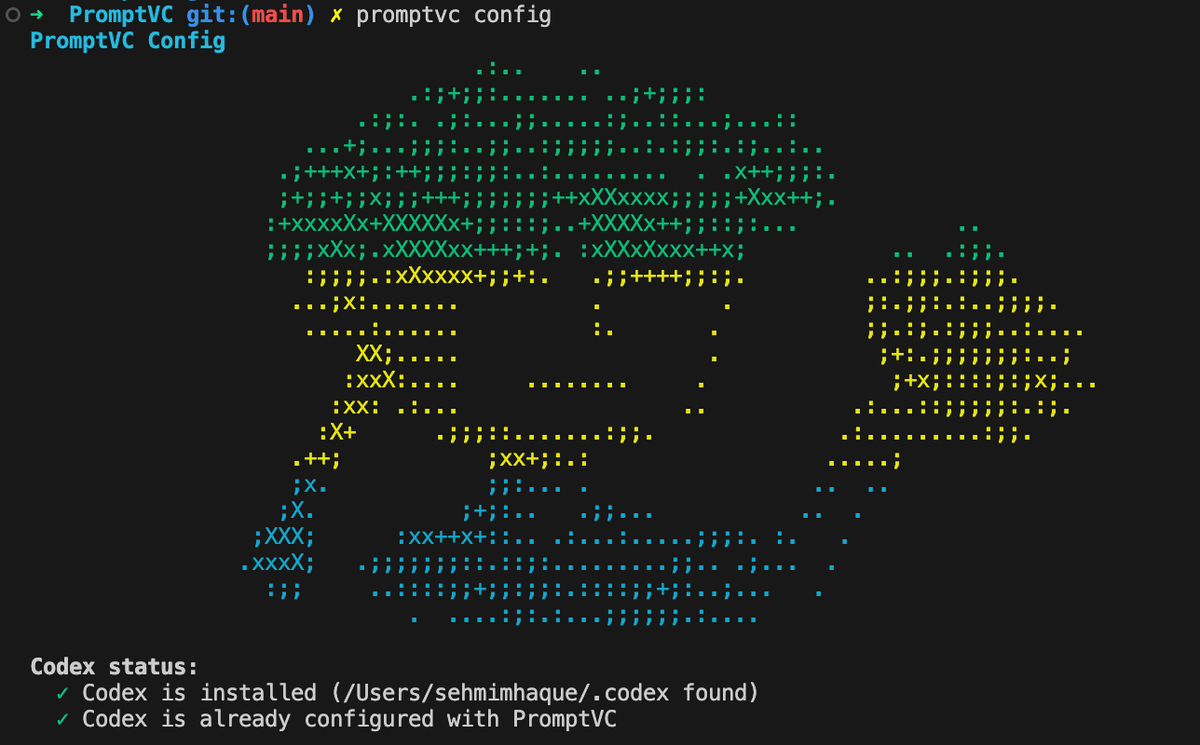
Run Your AI Tool
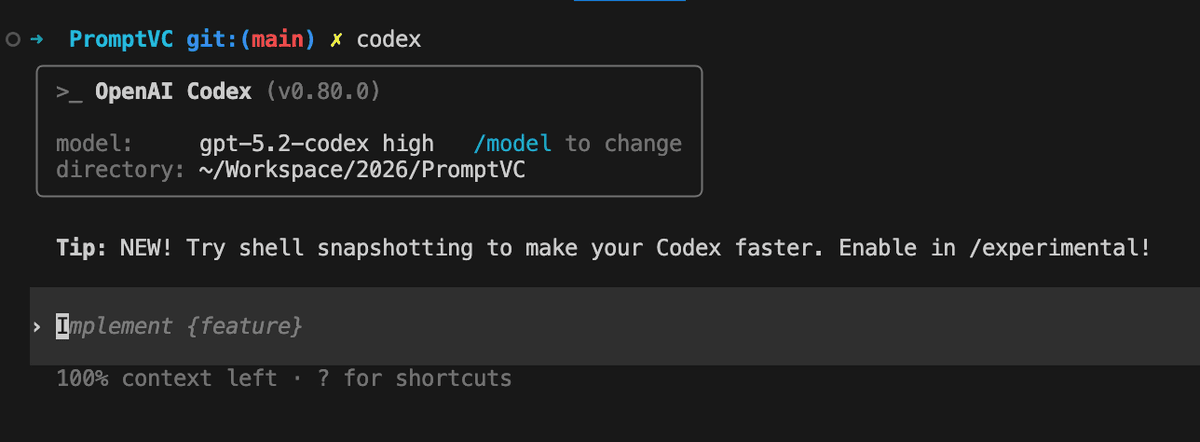
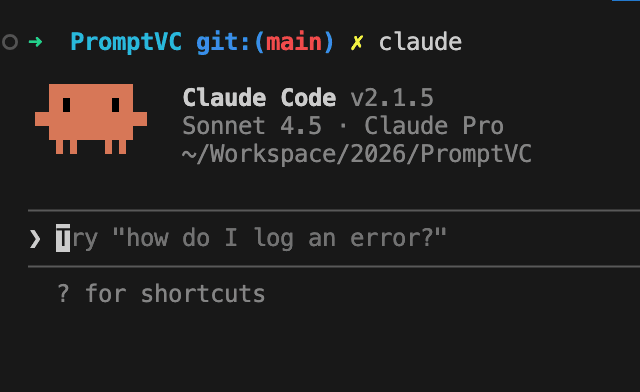
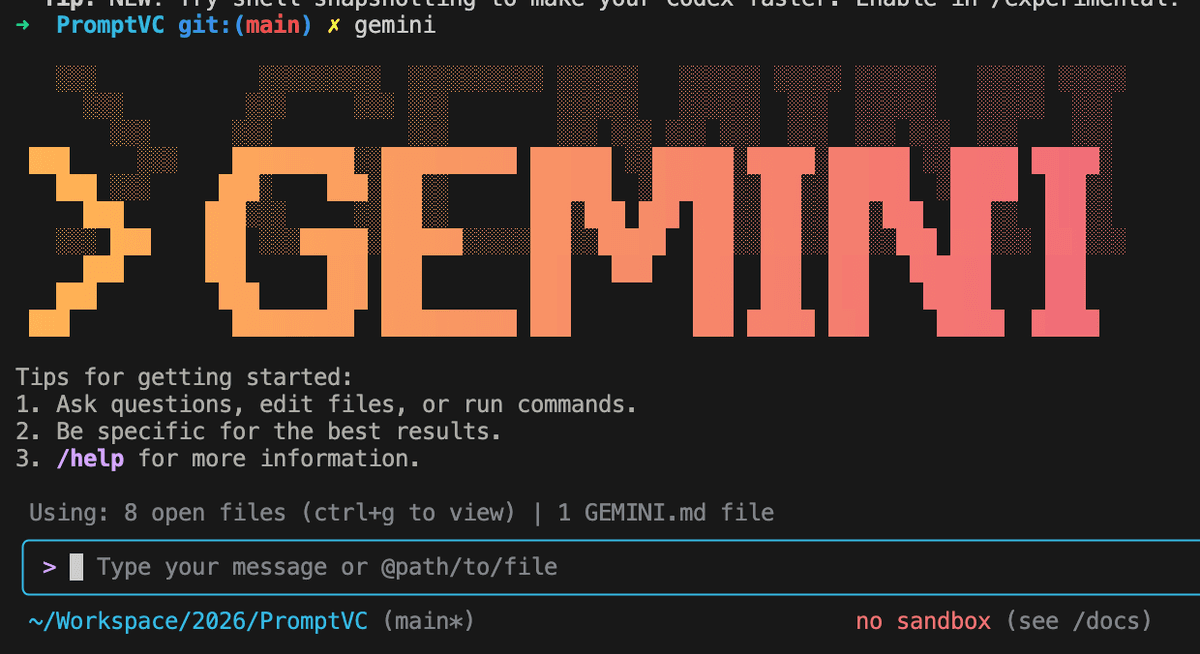
Sessions are captured automatically
- Use your favorite AI coding tool normally
- Works with Codex, Claude Code, Gemini CLI
- Zero workflow changes required
- All prompts, responses, and diffs captured
View Your Sessions
View all sessions in a unifined timeline
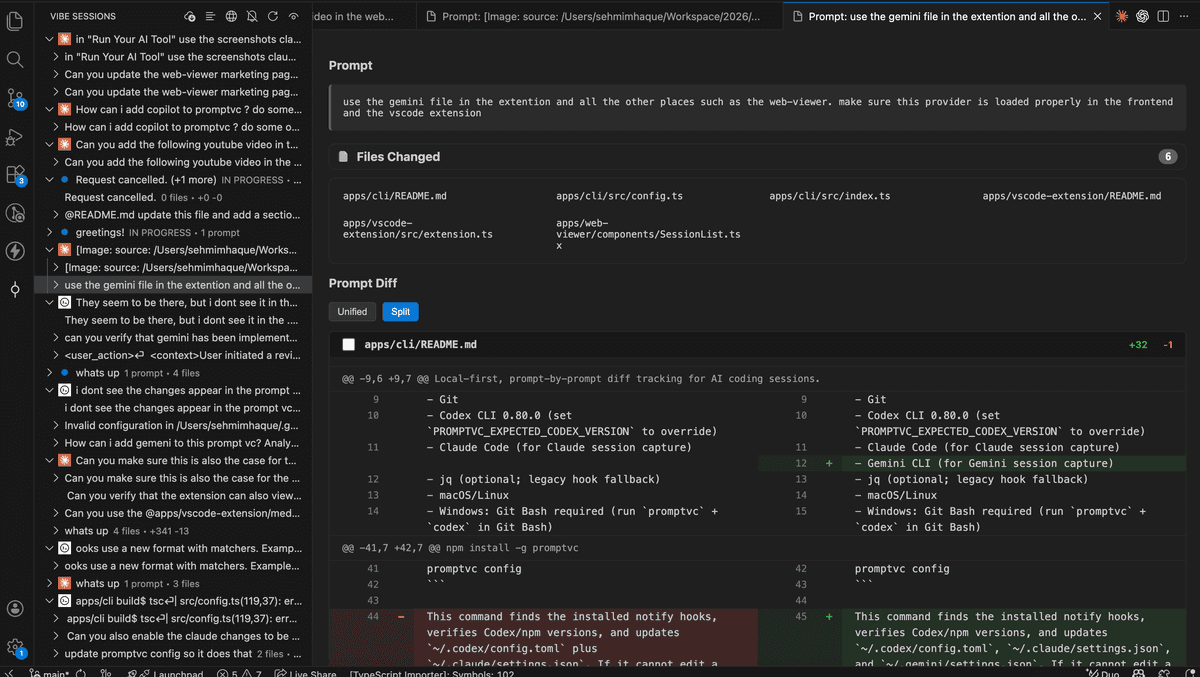
- Option A: VS Code Extension - Browse sessions directly in your editor with timeline view and integrated diff viewer
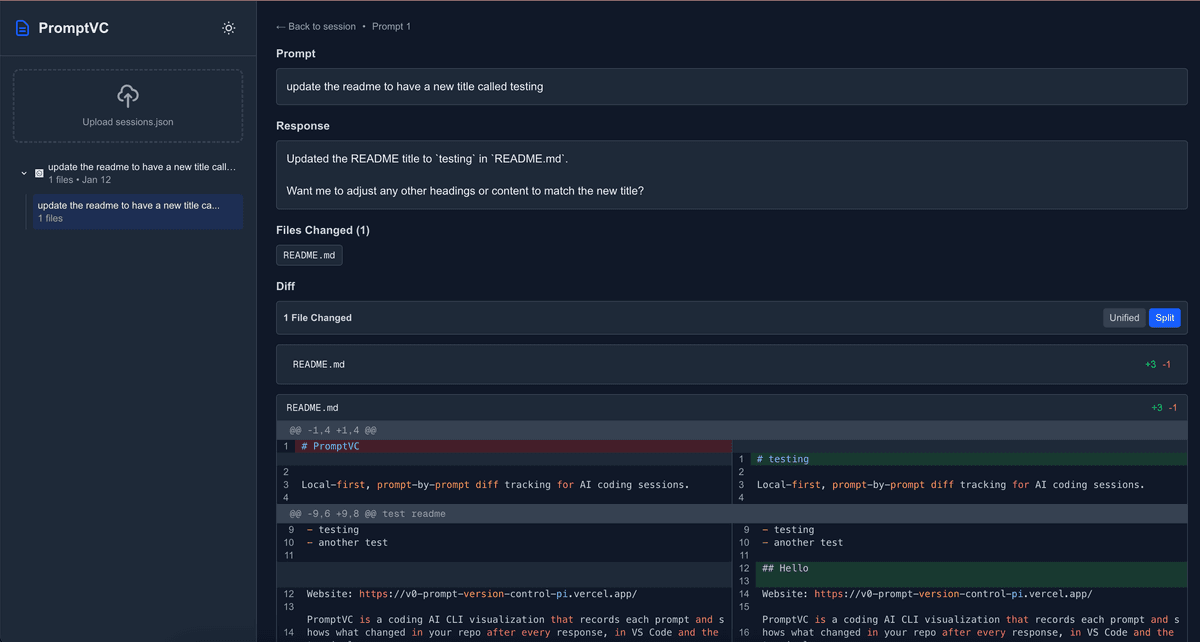
- Option B: Web Viewer - Upload .promptvc/sessions.json to this browser-based viewer for rich visualization and team sharing
Via VS Code Extension
Local, integrated session browsing
Via Web Viewer
Browser-based with sharing capabilities
See it in action
Watch PromptVC in action

Unifined session timelines
Track every prompt, diff, and file touched with a clean session timeline.

Readable diffs
Review unified or split diffs with syntax highlighting and per-file stats.

Local first
Your sessions stay on disk. Upload only the JSON you choose.
Ready to track your prompts?
Open the viewer and keep every diff in one place.